VPNs are all the rage today, and for good reason. They’re great at encrypting your traffic and keeping your browsing private. But a VPN only protects the journey; your passwords are what actually protects the destination. That’s why the real gold standard for password security is actually pretty simple: use a unique password for every single site you visit.

Think of a VPN as a secure, armored tunnel. It keeps you safe while you’re traveling through the internet, but if a hacker has your password to the site you’re logging into, they don’t need to intercept your traffic, they can just “log in” as you at the destination. Once they have your password, the most expensive VPN in the world won’t stop them and if you’ve used the same one on every site you’re in real trouble.
To truly stay safe, you need to move beyond just encrypting your connection and start fortifying your passwords. Here is how to do it using a mix of modern tech and a brilliant “hidden in plain sight” tactic that I use in my IT work daily.
The Foundation: Why Your Current Passwords Fail
Before we look at the tools, we have to address the way we think about passwords. Most of us are stuck in old habits that actually make us less secure.
- The Problem with “Gibberish”: We’ve all tried to use passwords like xK9#vL2p!. The problem? They are impossible to remember. When a password is just a string of random numbers and letters, you are much less likely to change it in the future because you dread the “memorization phase.”
- The Trap of Password Fatigue: This frustration leads to “password fatigue,” where you end up using the same old, tired password for years. Or worse, reusing it on multiple sites just so you don’t have to remember yet another crazy string of characters. This creates a “domino effect”: if one site gets leaked, every account you own falls.
- The Power of Passphrases: Instead of random gibberish, use Passphrases: four or five random words strung together (e.g., Purple-Mango-Laptop-Gravity).
- The Math: A computer can crack P@ssword123 in seconds. A 20-character random passphrase could take centuries to crack, yet it’s as easy to remember as a simple sentence. Because they are easier to handle, you’ll actually feel empowered to update them more often.
The Digital Vault: Password Managers
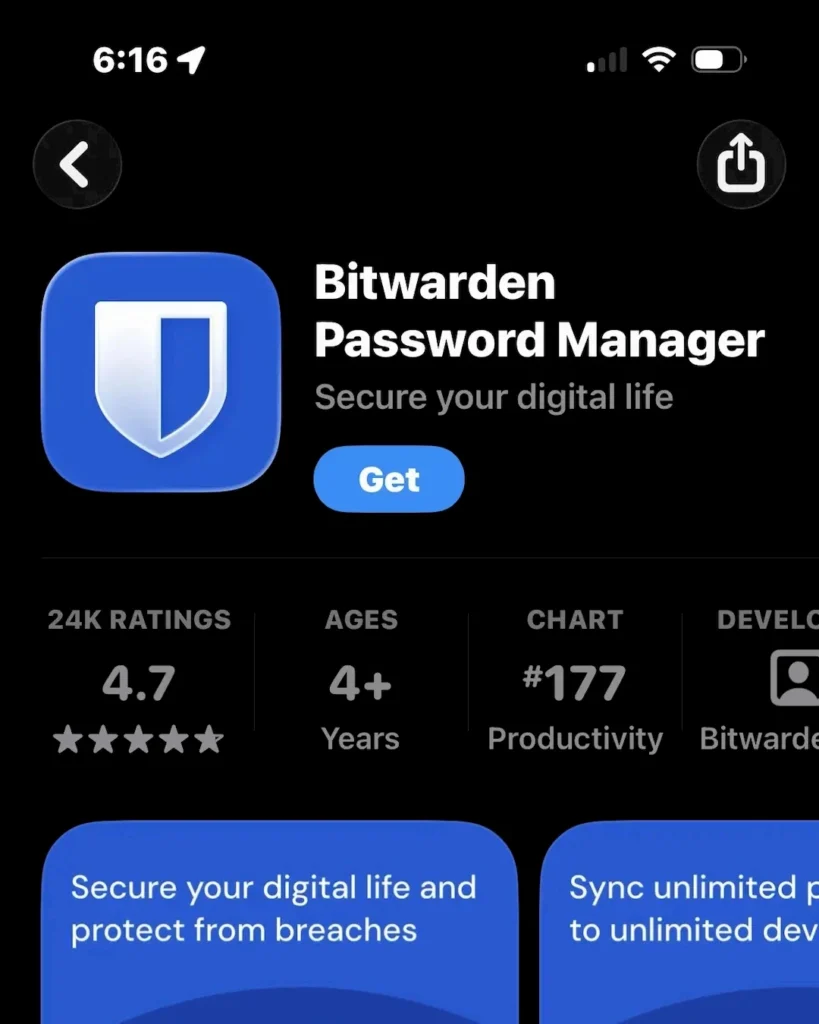
Once you understand that length beats complexity, you need a place to store those long passphrases because let’s face it, you’re not going to be able to remember them all. Tools like Bitwarden or 1Password do the heavy lifting for you.
- Cross-Device Sync: You have your passwords on your phone, laptop, and desktop instantly, meaning you’re never locked out because you’re away from your desk.
- Smart Generation: Rather than spitting out a string of symbols you’ll never remember, modern managers can generate a multi-word phrase for you. This gives you the best of both worlds: a highly secure, 20+ character password that is actually readable.
- Updating Passwords is Easy: Since you don’t have to memorize them you can change them more often which enhances your online security even more. If a hacker breaches a site you’re on but you change your password after, they don’t have it anymore.
The Analog Backup: The “Password Book”
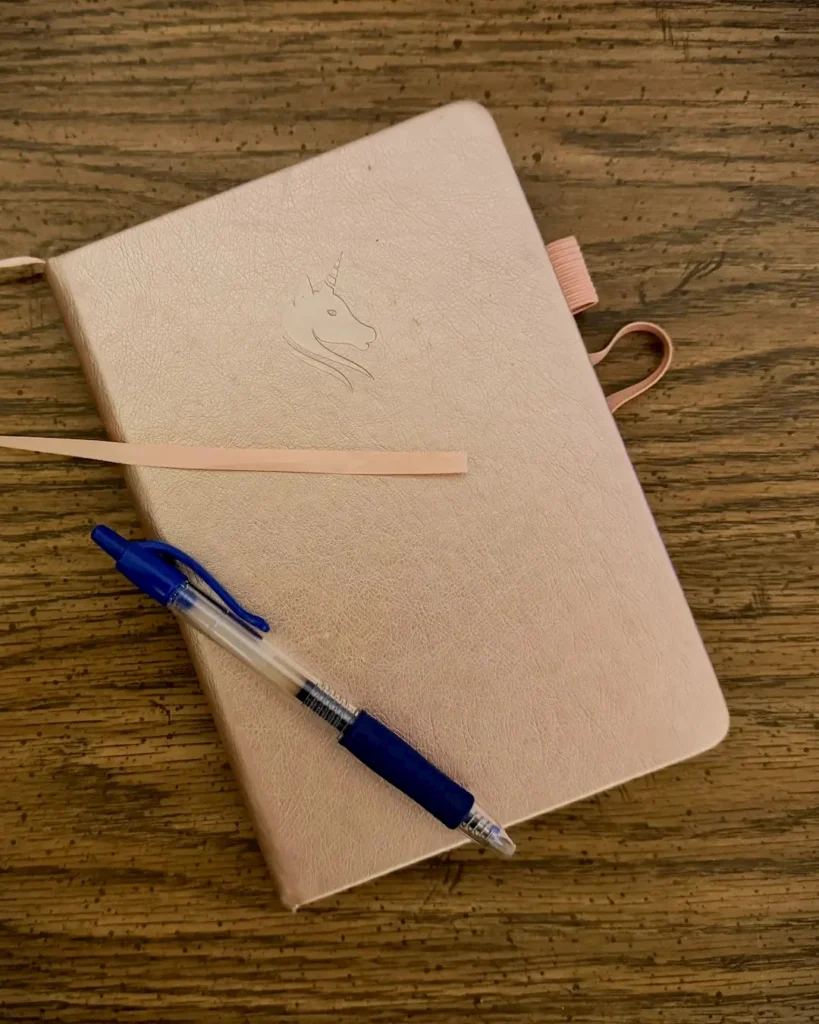
A password book in your drawer is 100% immune to a hacker in another country. It can’t be phished or remotely accessed. It serves as a backup in case of things like a server outage or a failed update that locks you out of your vault. If the company goes out of business or shuts down their servers, you are not at their mercy and still have your passwords.
- Keep It Safe: Keep it away from your computer. A notebook hidden on a bookshelf is a massive security asset.
- The Golden Rule: Never, ever take it anywhere! This book stays at home. Period. Don’t even think about it.
- Alphabetized Tabs: Get one designed for passwords that has alphabetized tabs and a place to write the web address and the password down.
The Ultimate Defense: “Peppering” Your Passwords
I can already here some of you saying, “But What if my password manager gets hacked or my book gets stolen?” That’s where the last piece of the security puzzle comes in: “The Pepper”
A pepper is a secret suffix or prefix that lives only in your head. You never save it in your manager, and you never write it in your book. If you pepper your passwords (both your online vault and password book), you never have to worry about your vault getting compromised or your book getting stolen.
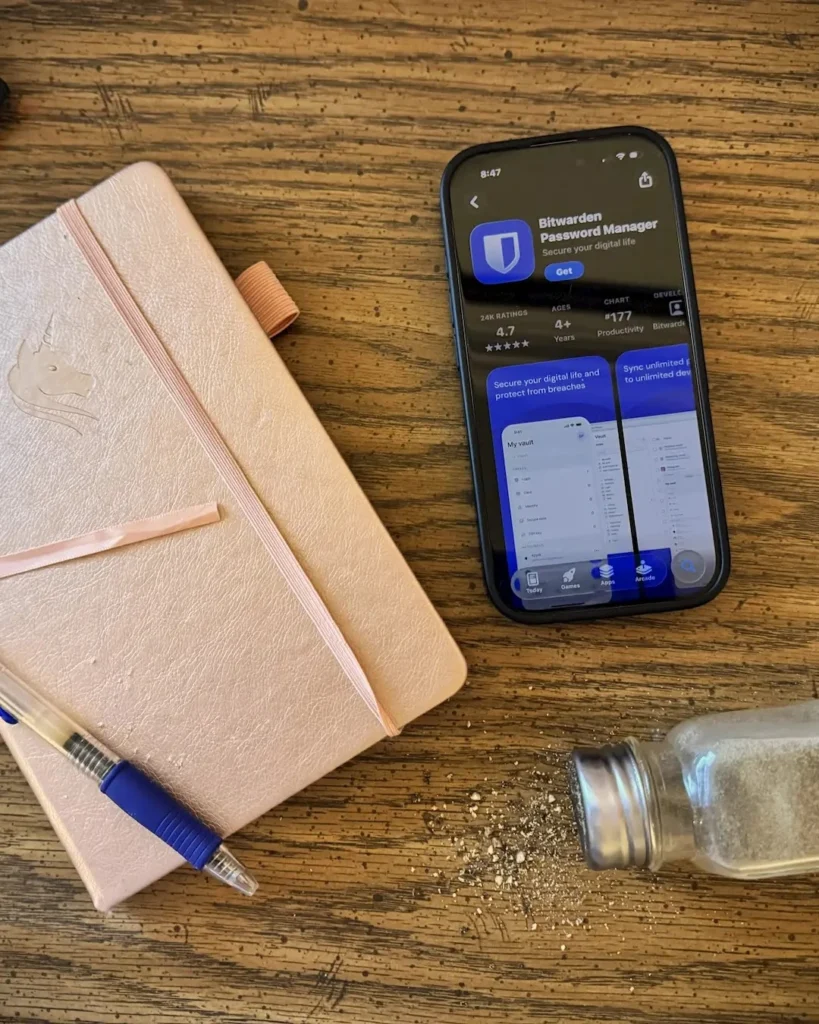
The “Hidden in Plain Sight” Strategy
When you write down your passwords in the book or save them in your online vault, you never include the pepper. Even if a thief is holding your notebook in their hands, or hack your vault, the passwords they see are technically “incorrect.”
How it works:
- What’s in your book/manager: River-Cloud-Table-Green
- Your Secret Pepper (in your head): !Taco26
- The Real Password: River-Cloud-Table-Green!Taco26
- Summary: Length + Pepper = Peace of Mind
The Bottom Line
Digital security doesn’t have to be a headache, and it certainly shouldn’t rely on a single “magic” tool. By combining the length of a passphrase, the “pepper” of a secret word, and the convenience of a password manager, you aren’t just making a password, you’re building a fortress. Start small: pick your five most important accounts, pepper them today, and sleep a little better tonight.
While You’re Here…
If you enjoyed getting under the hood of digital safety, you might like some of our other tech stories:
- DIY Camper GPS: If you prefer building over buying, see how we put together a custom GPS setup for the rig to handle the road less traveled.
- Home Assistant on the Road: Taking the “Smart Home” life to the campsite: here is how we integrated Home Assistant into the camper to keep everything automated.
- The Scammer’s Bad Day: We’ve talked about serious security today, but sometimes the best defense is a sense of humor. Read what happened when a phone scammer made the mistake of calling my number.